

Australian Business Register - Address Change Steps
Navigate to https://www.abr.gov.au/
Click tax professional services and login with MyID
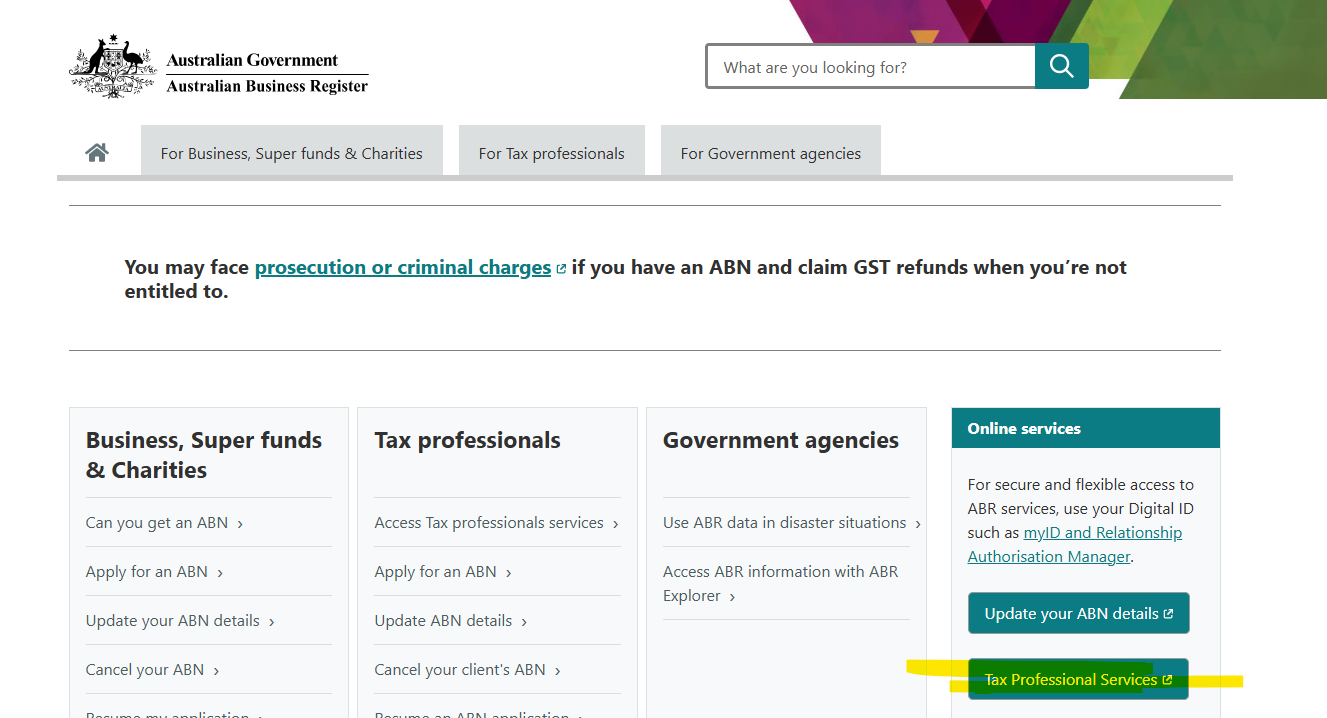
Click on "View/Update ABN record"
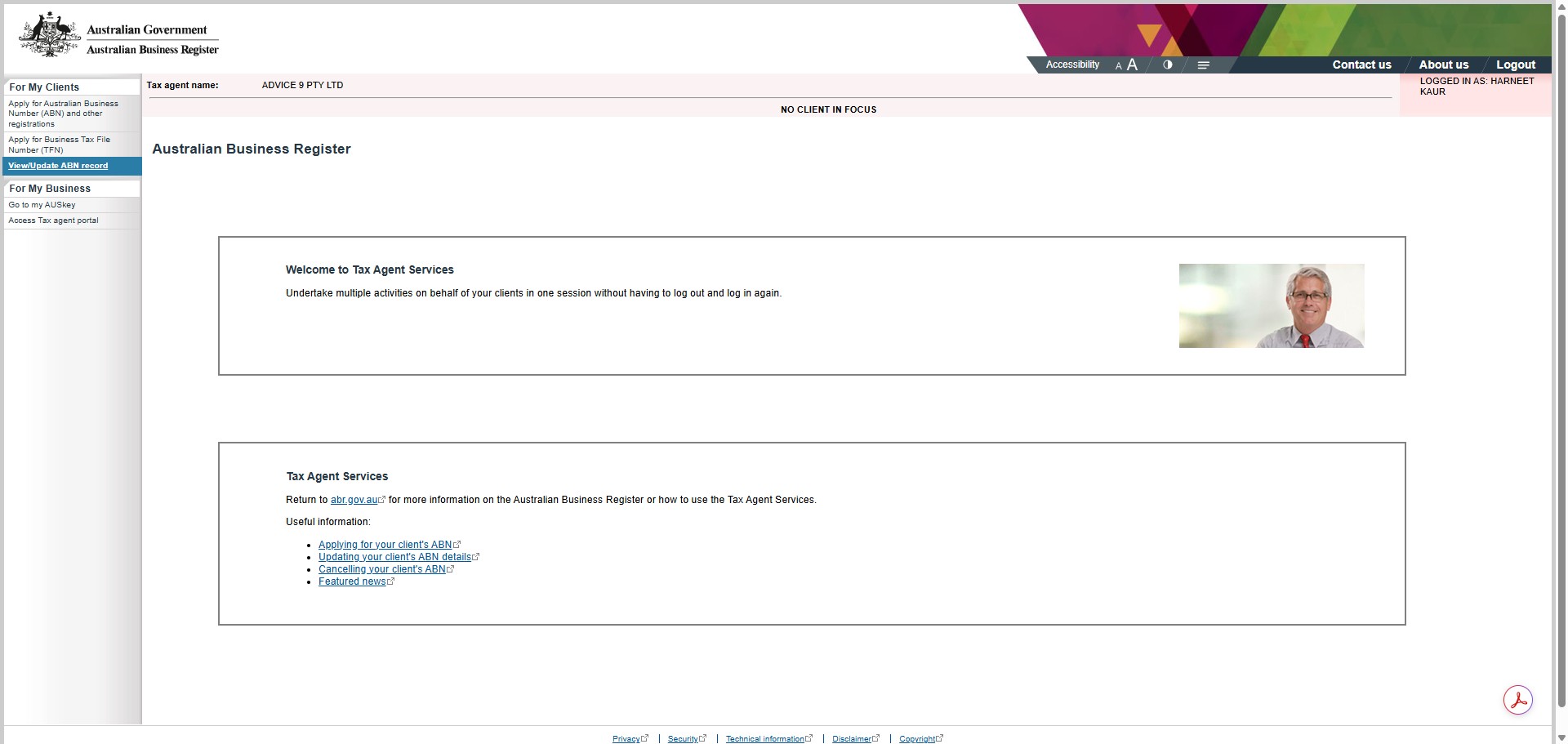
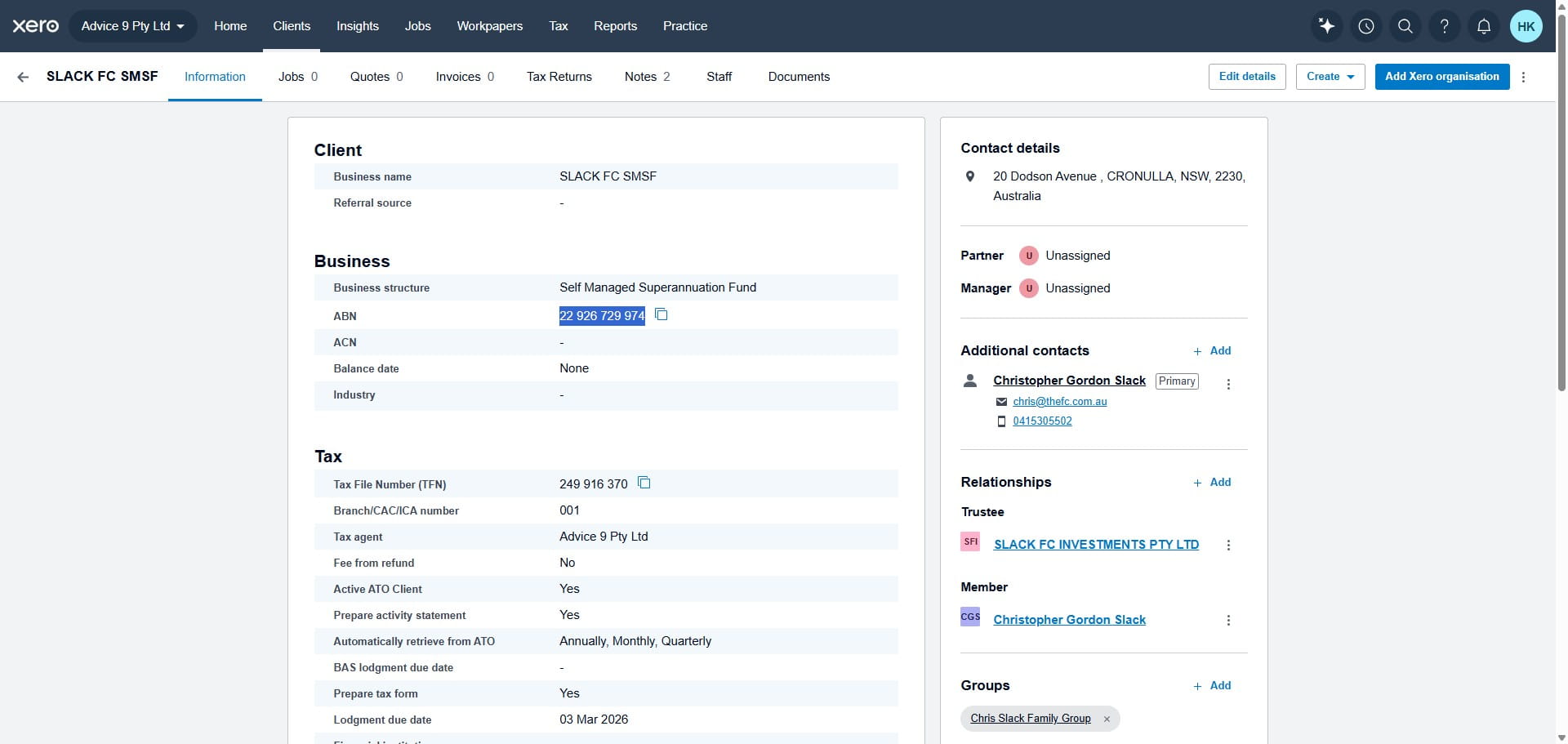
Copy the "ABN" for which the address to be updated from XPM
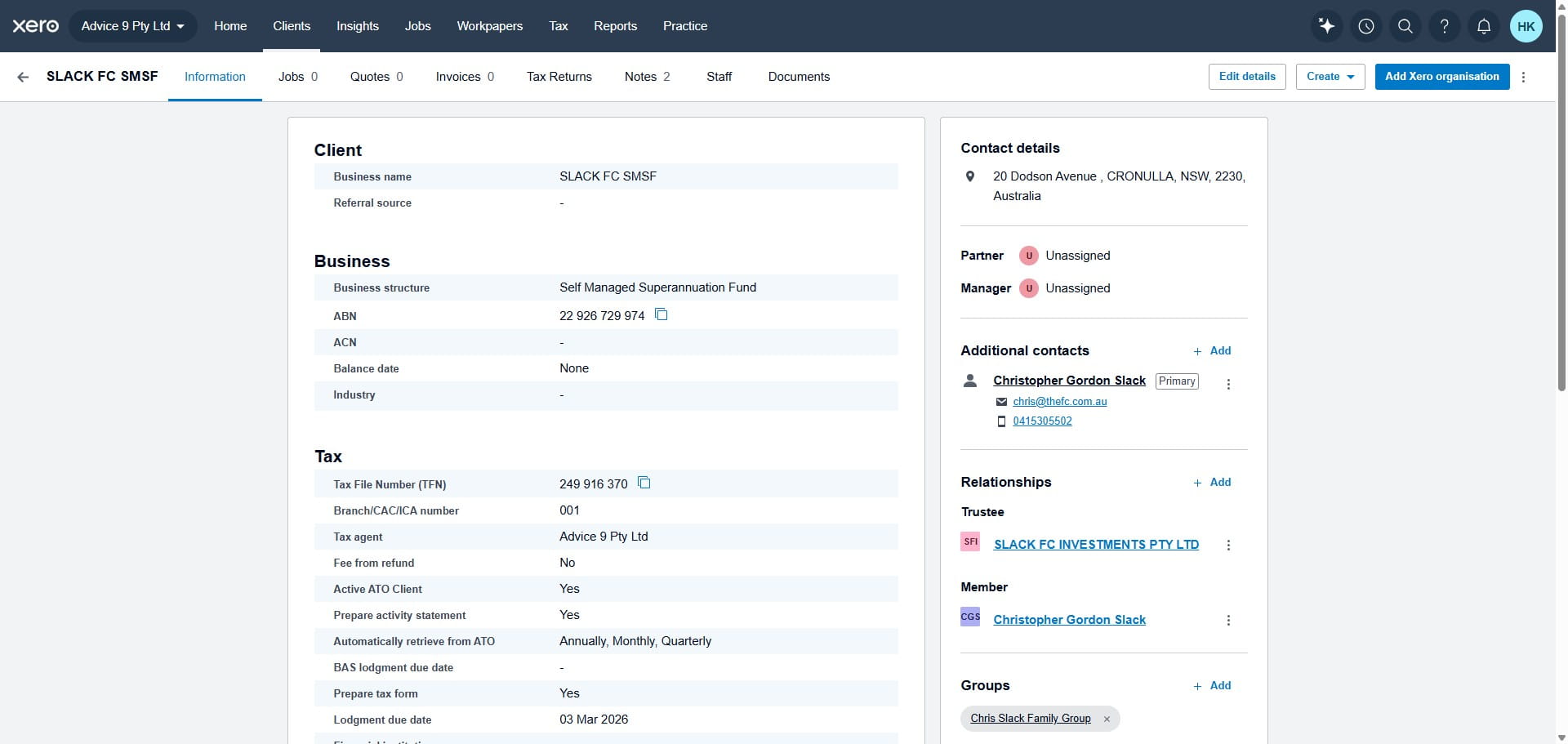
Paste the ABN or write the ABN and click search
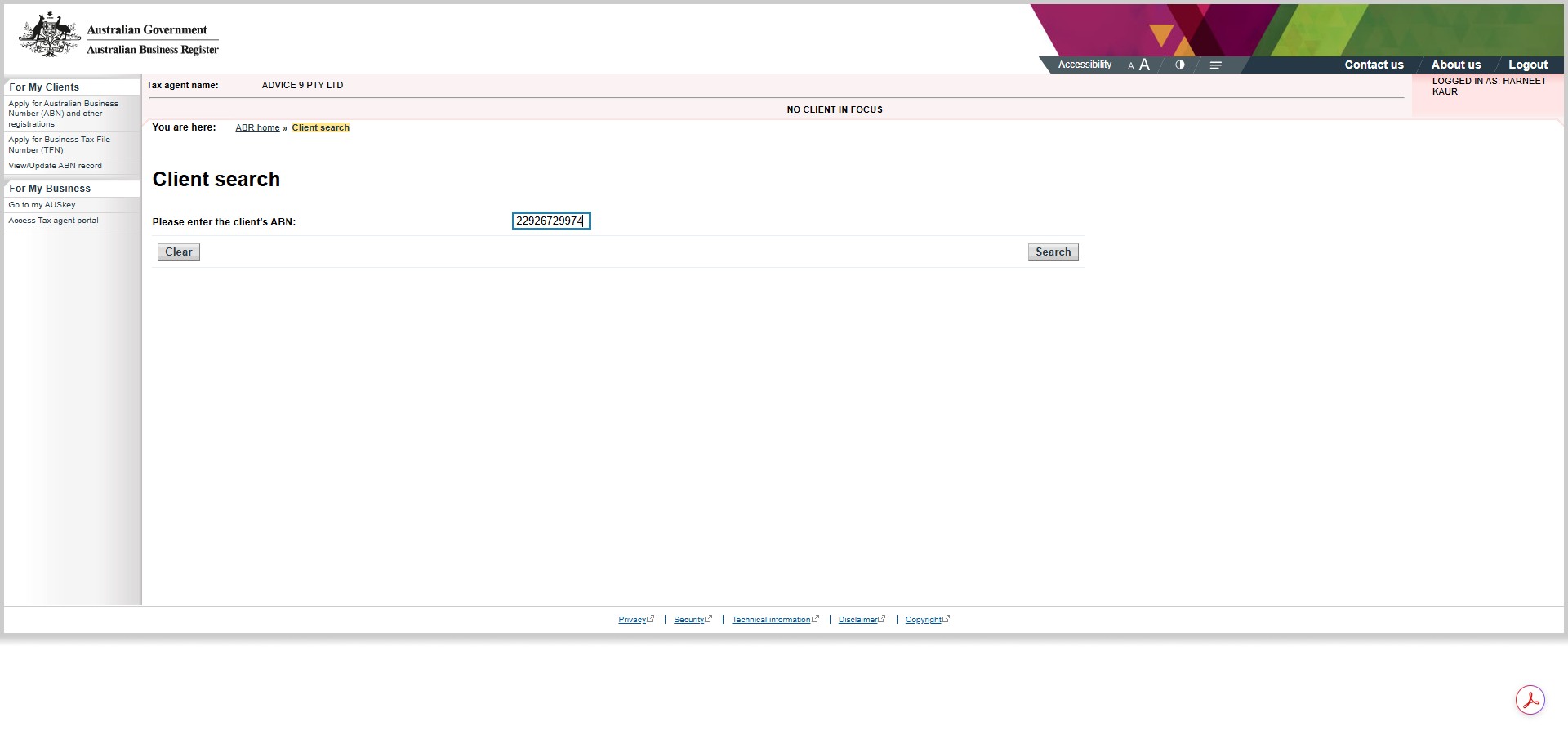
Click on "Update ABN record"
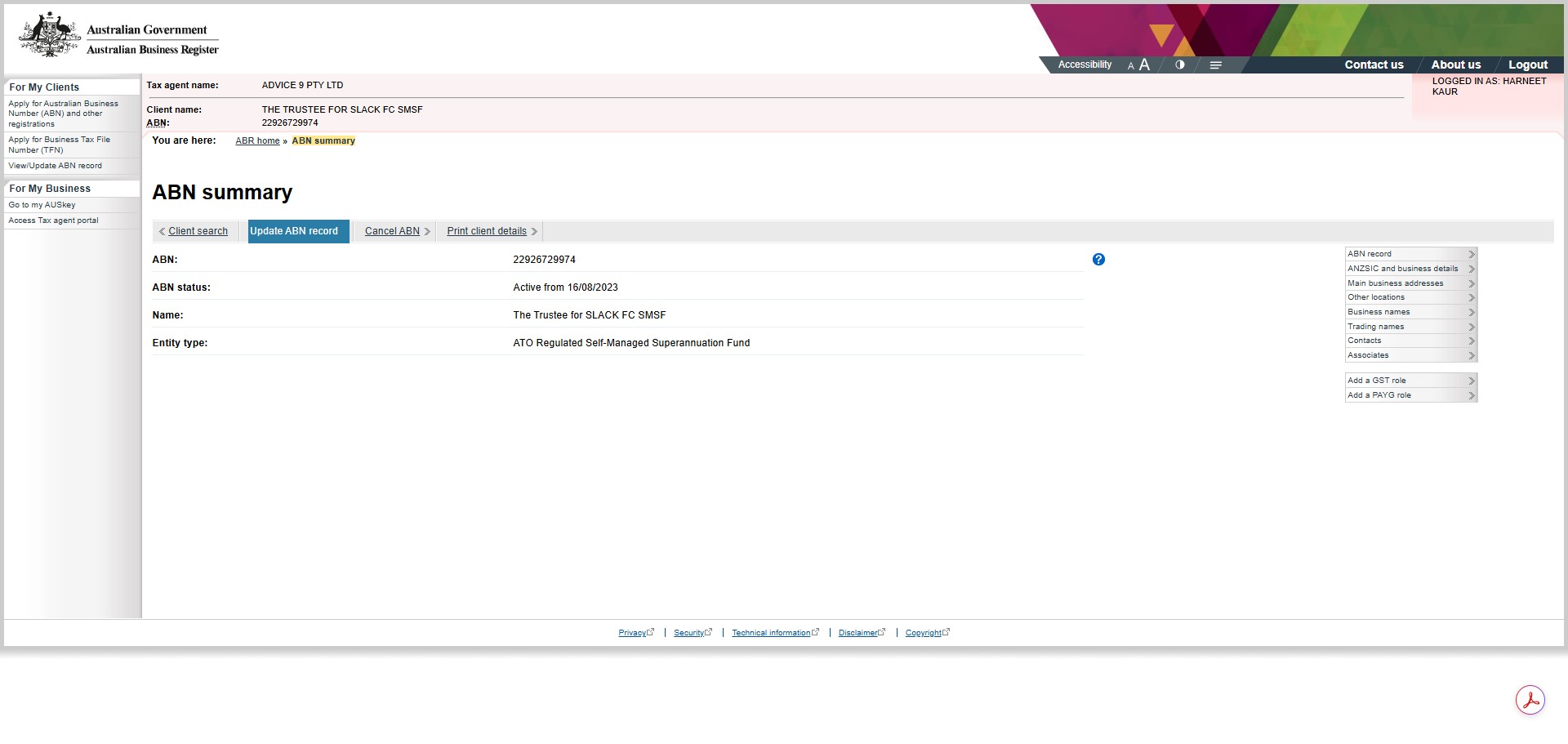
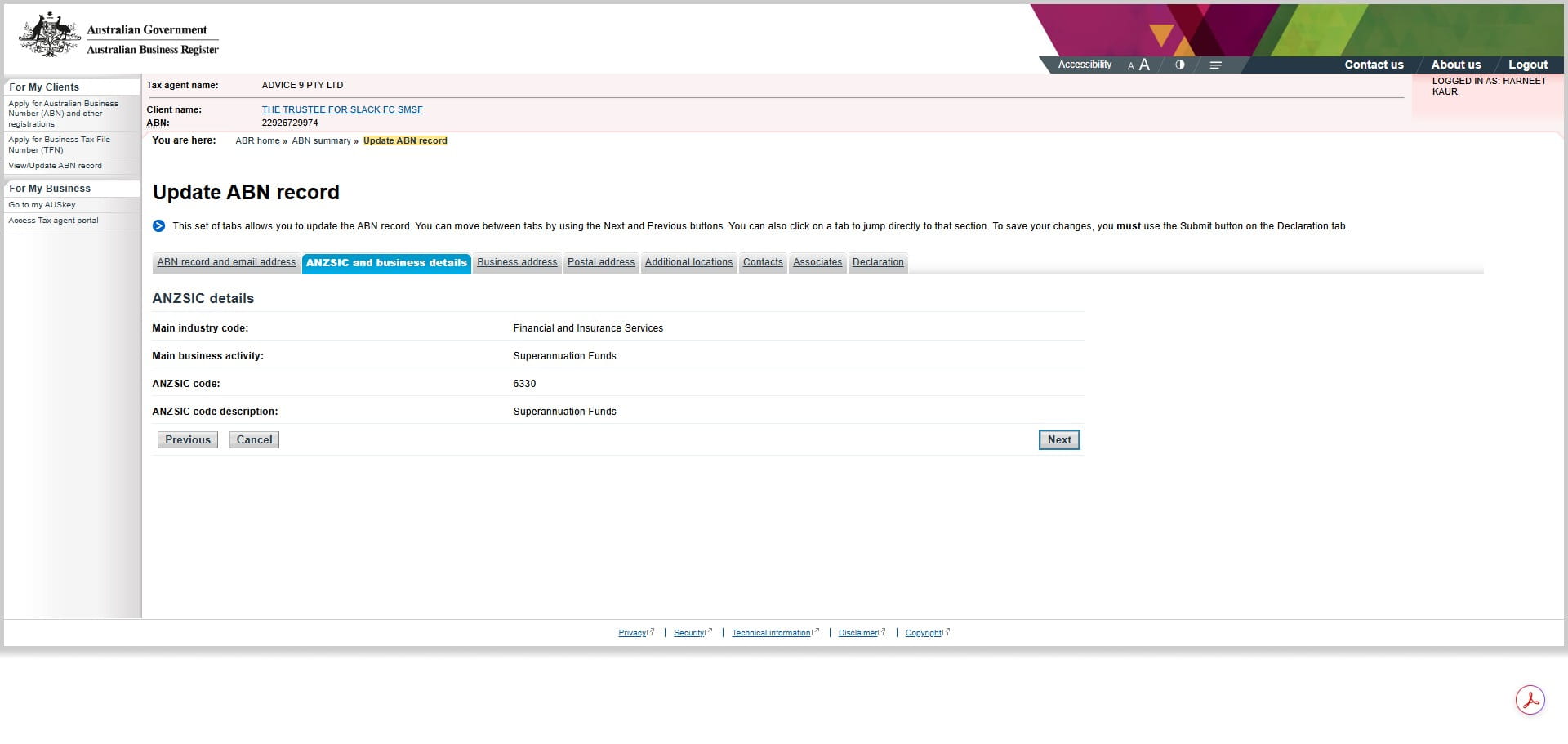
Click next and make no changes except to the address
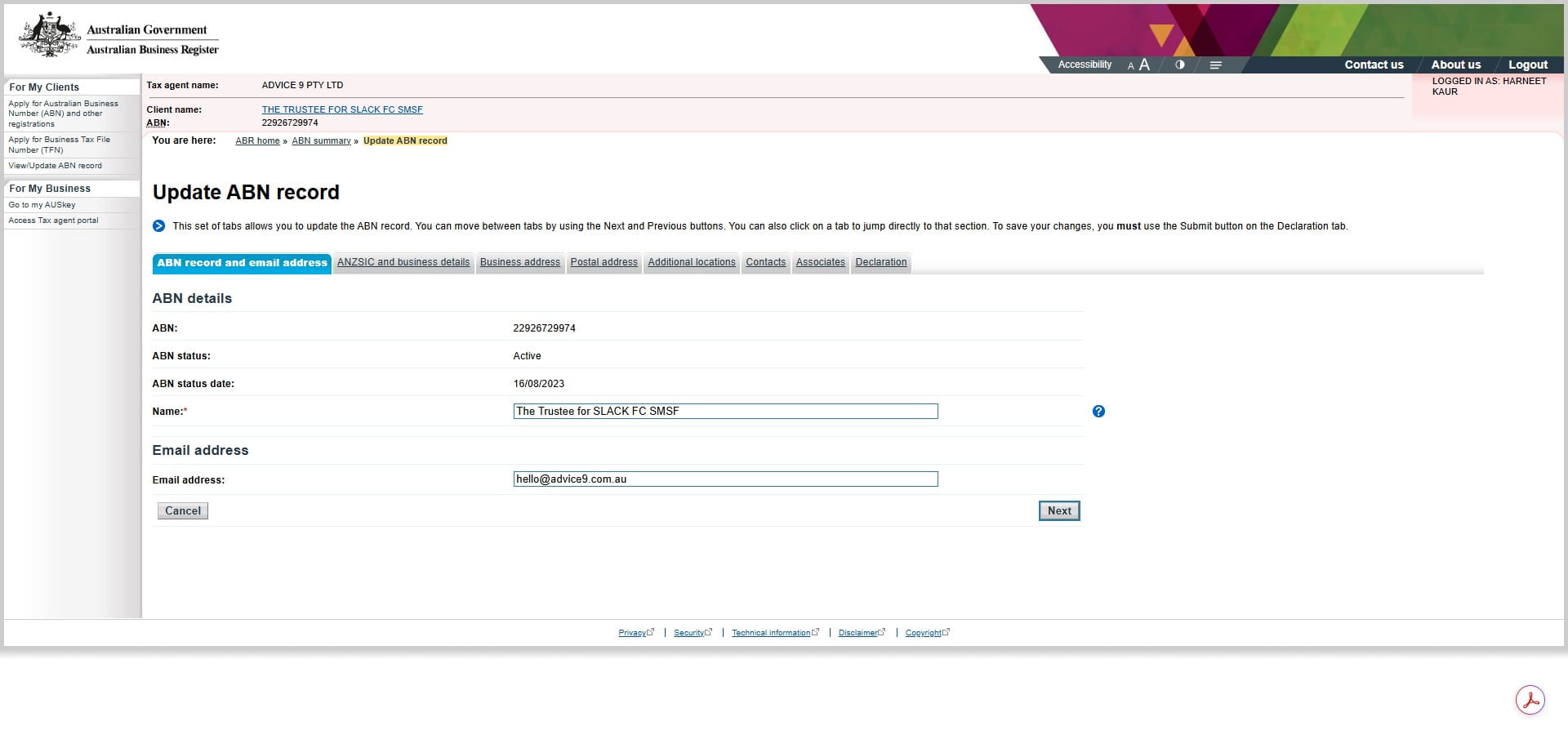
Click here
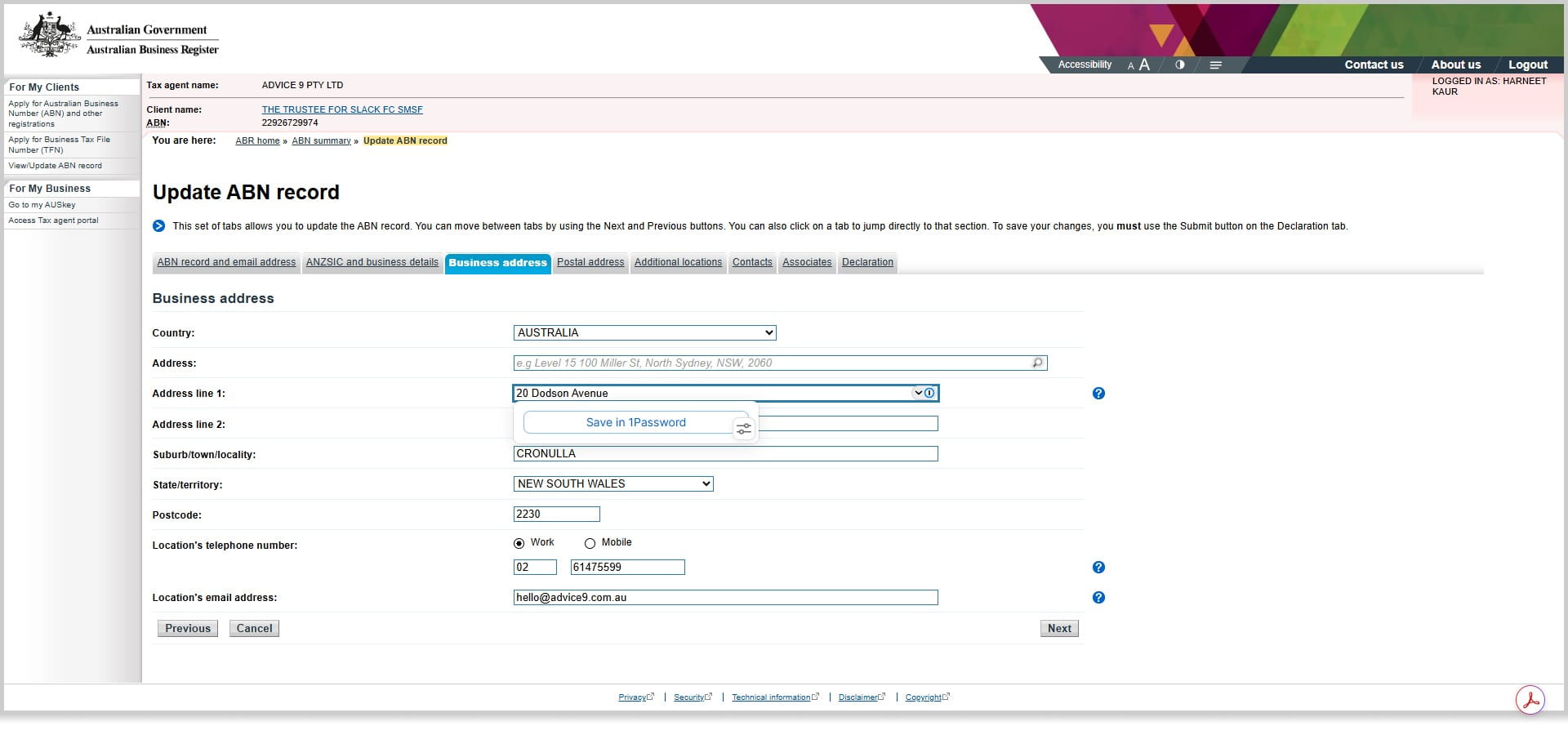
Copy the address
Update the new address
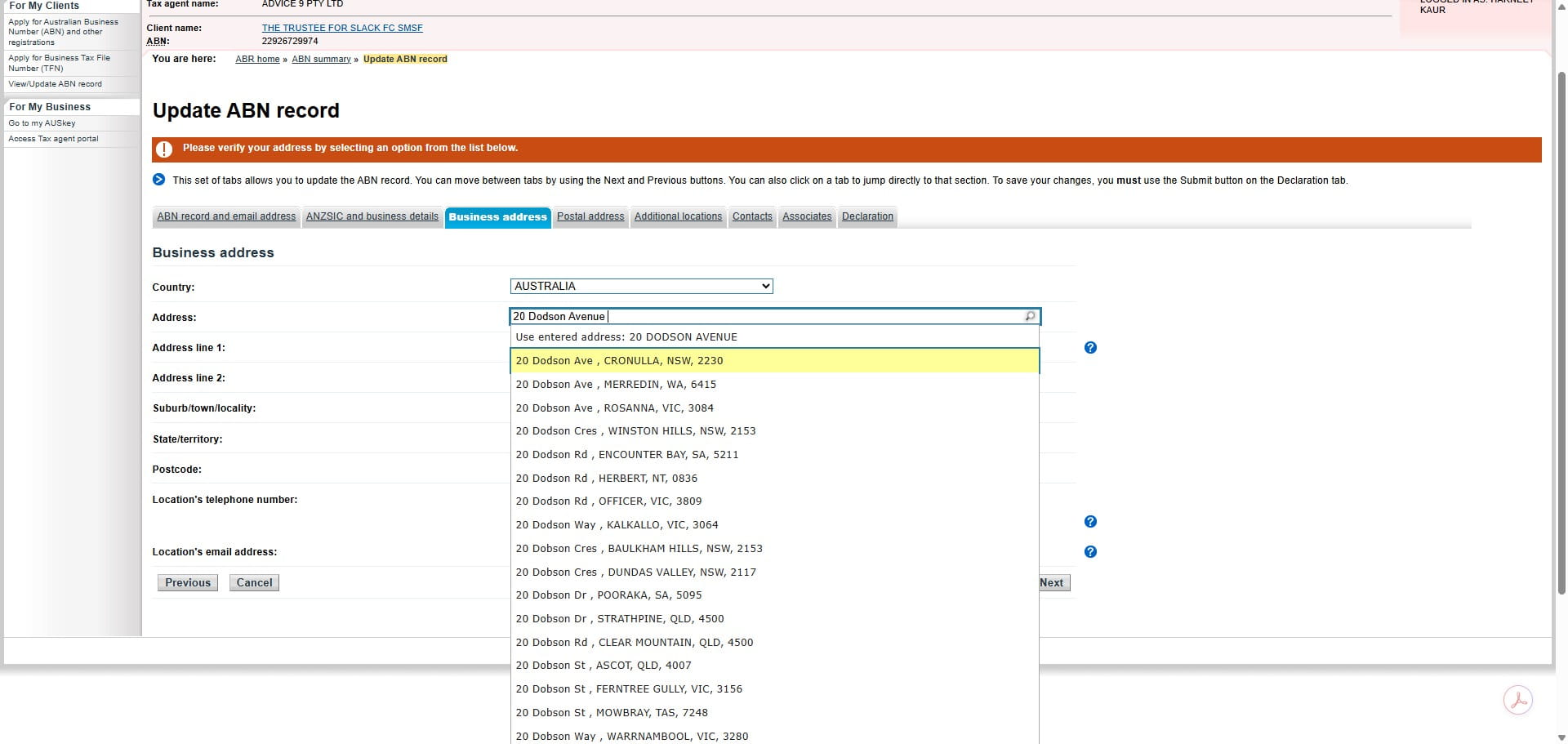
Verify the address from Dropdown
Click next
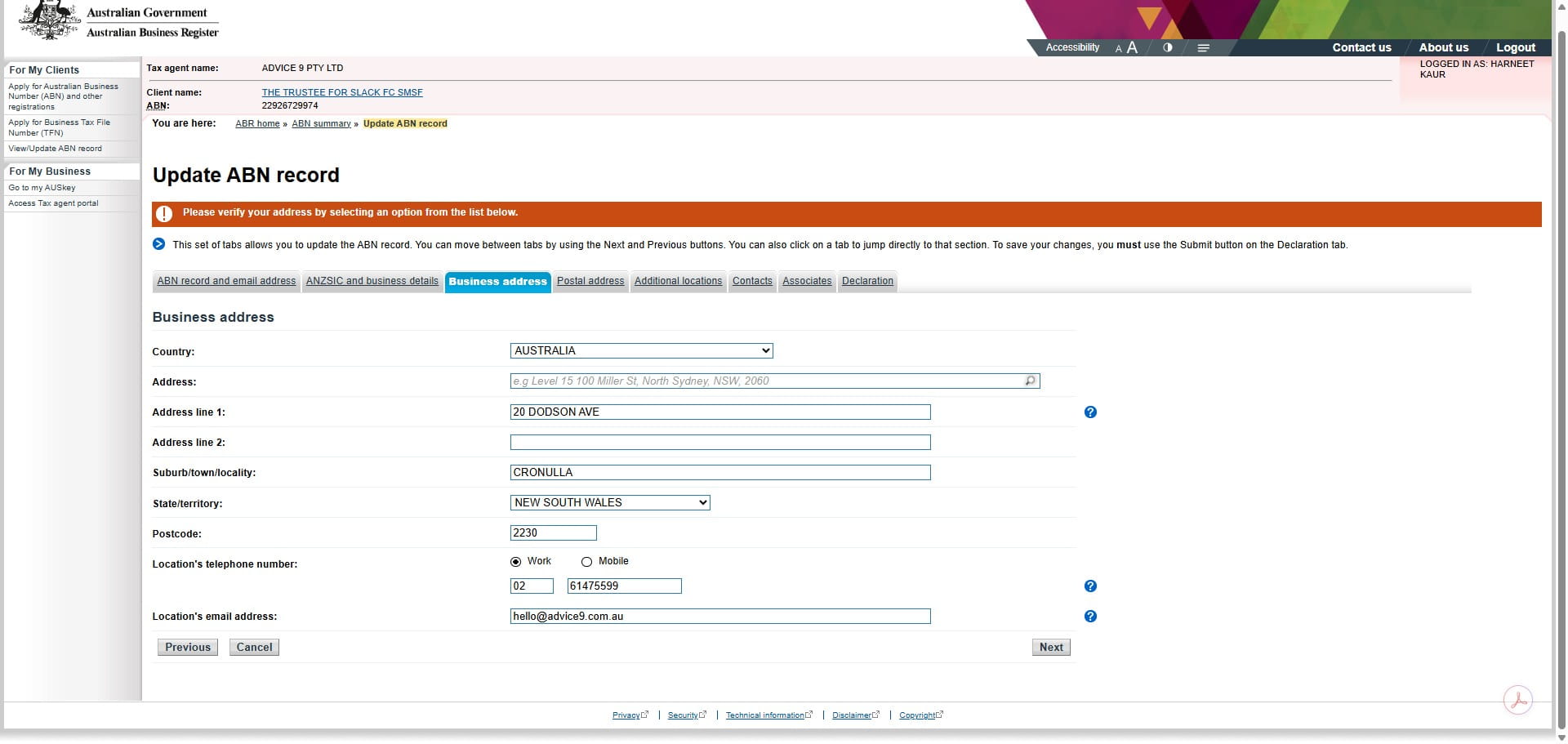
No other changes except to the address
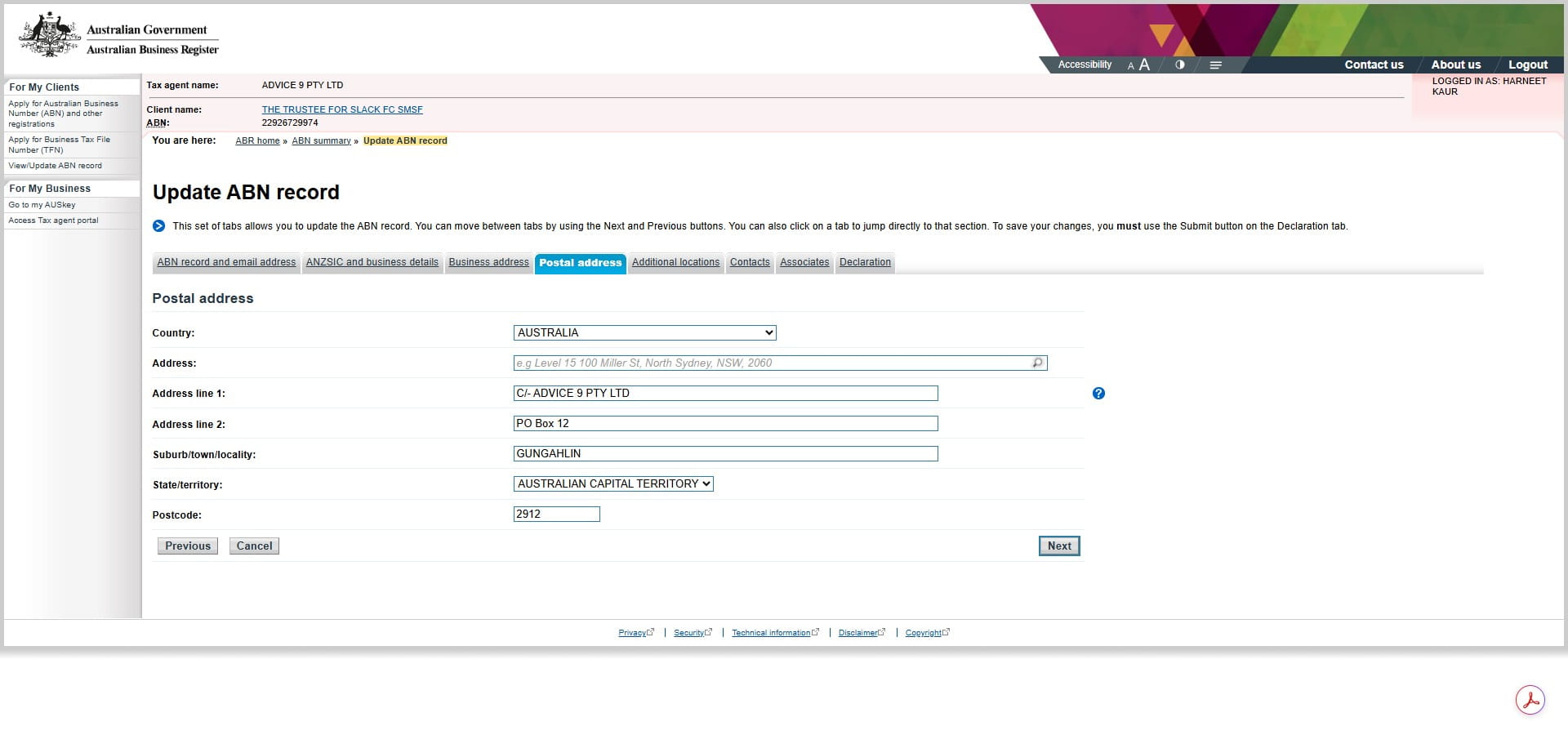
Click here
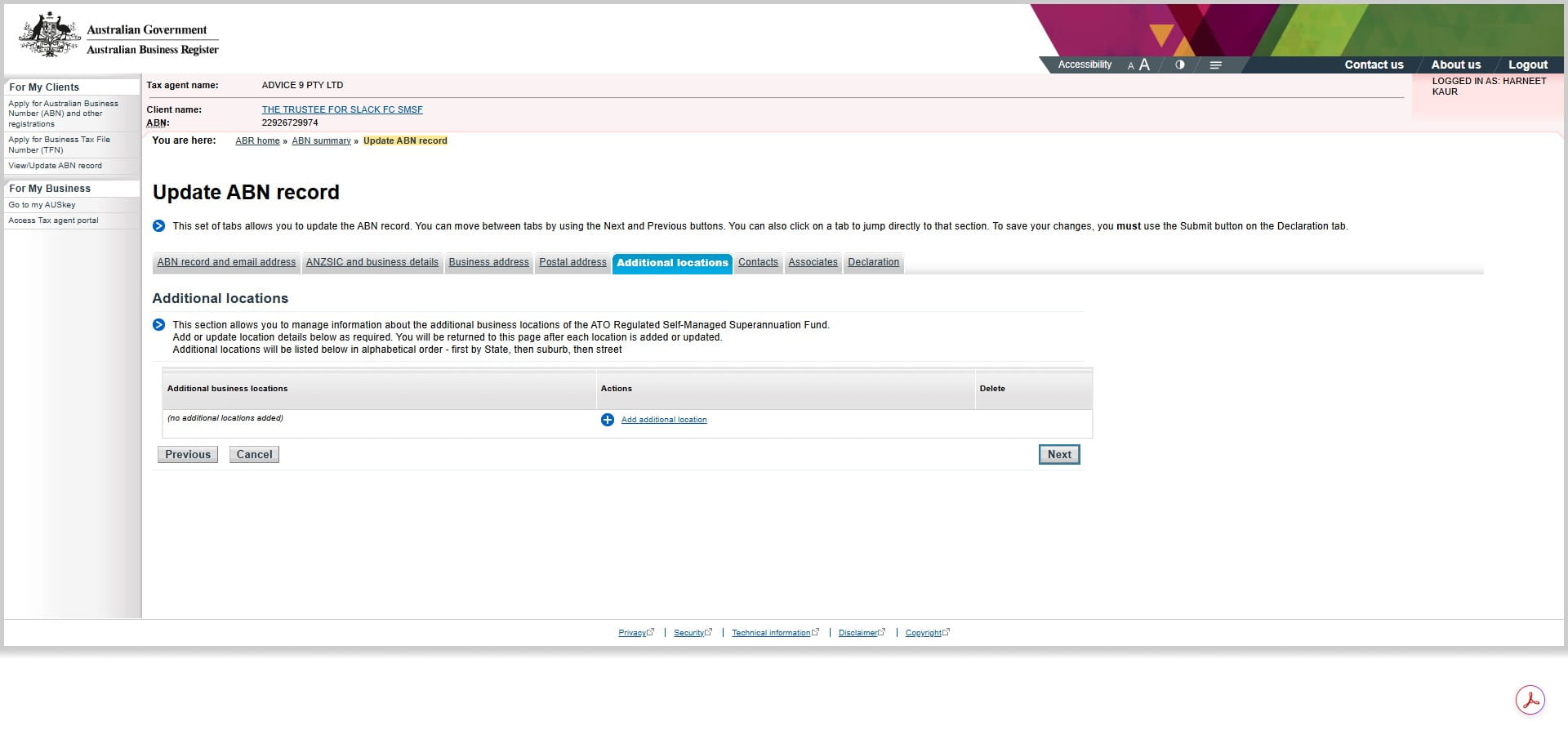
Click here
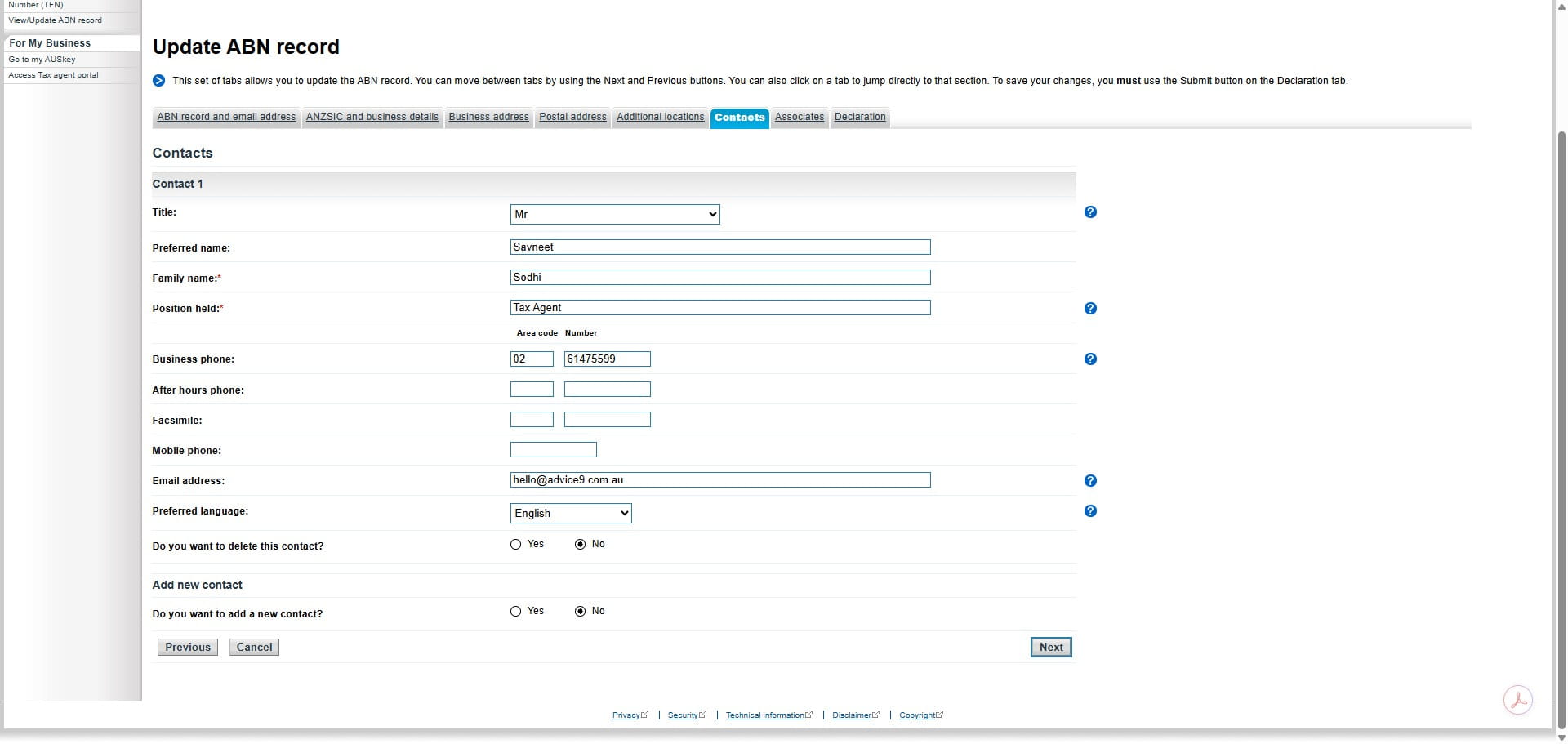
Click here
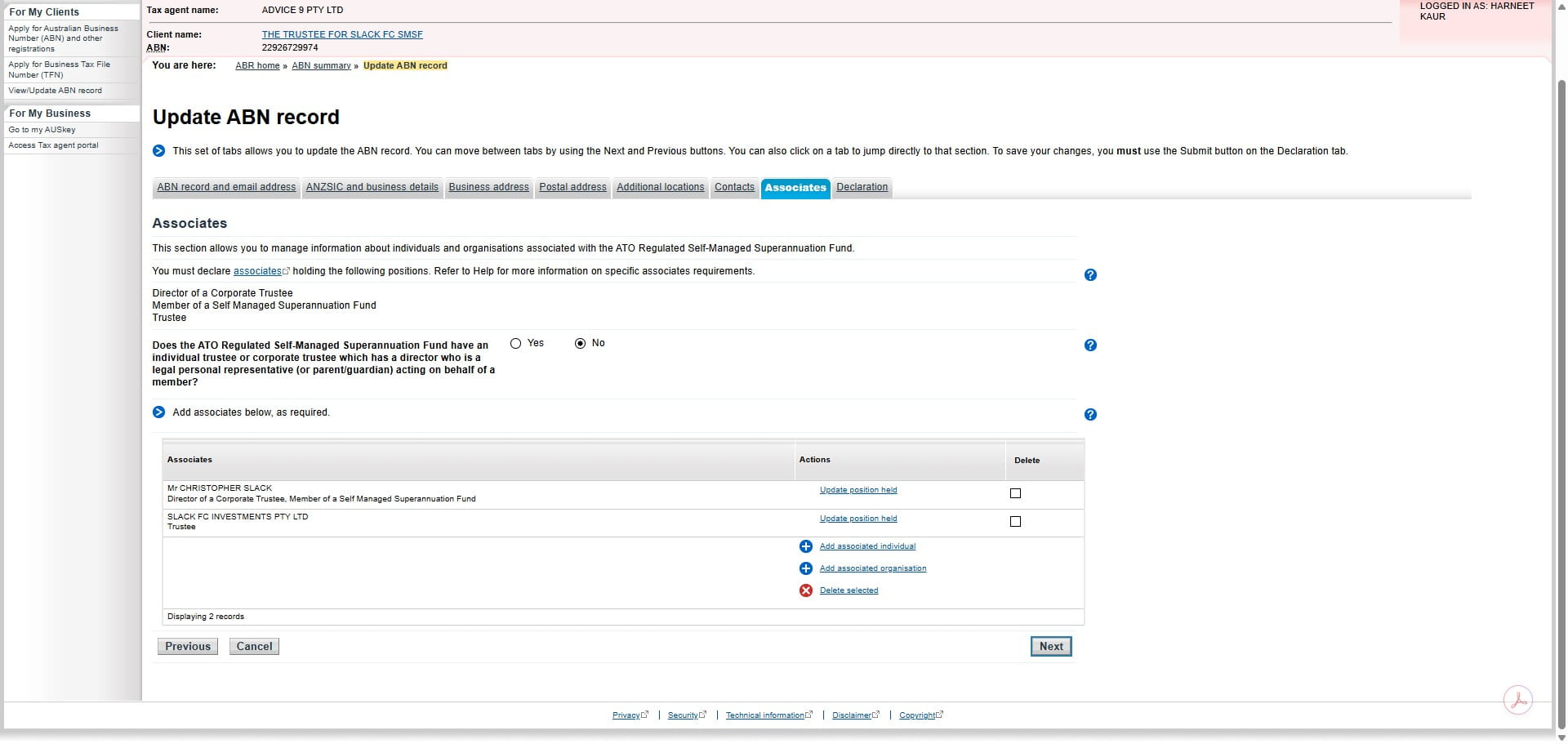
Make sure the date of effect of change matches with the ASIC forms signed in Nowinfinity
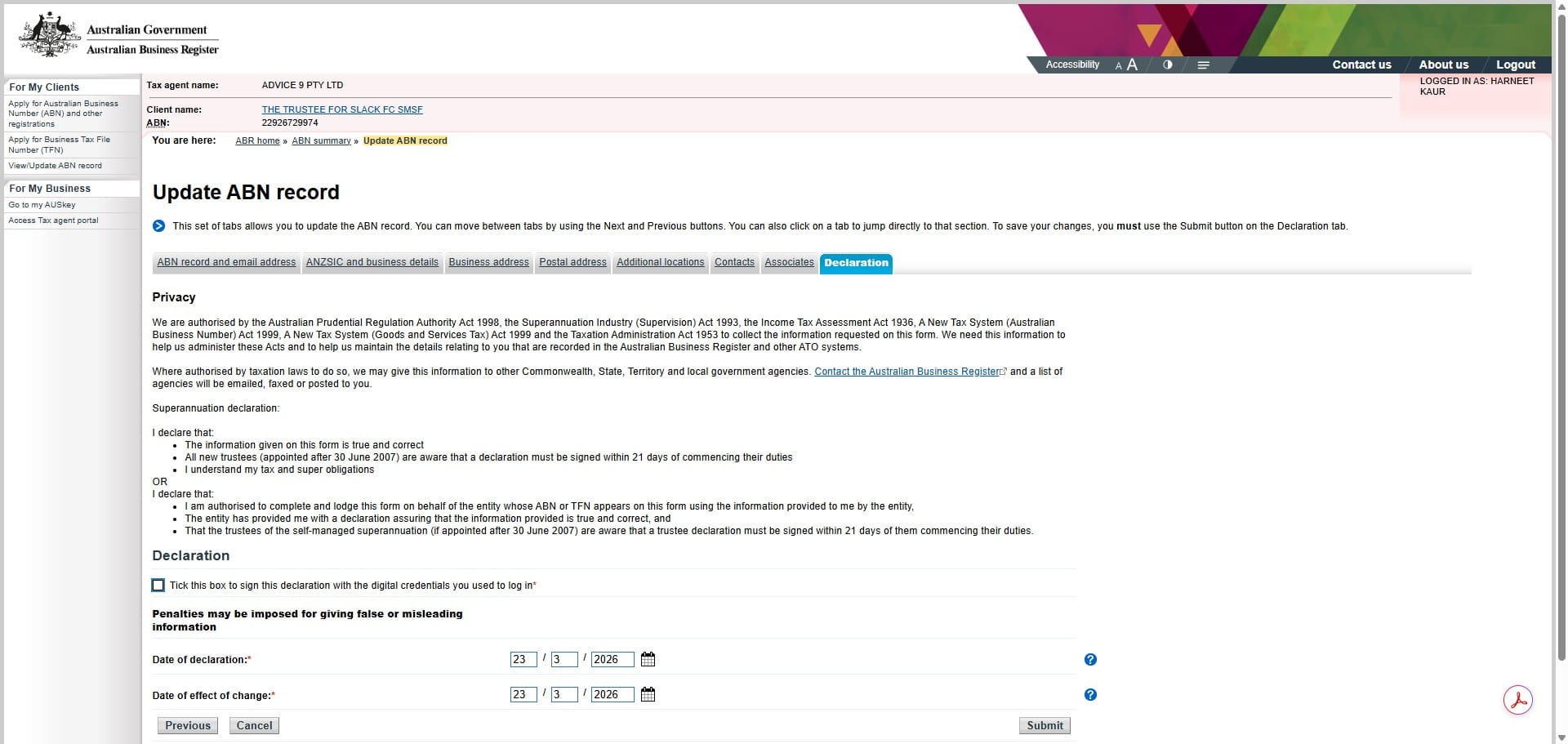
Check the signed ASIC form and update the address change date to as below.
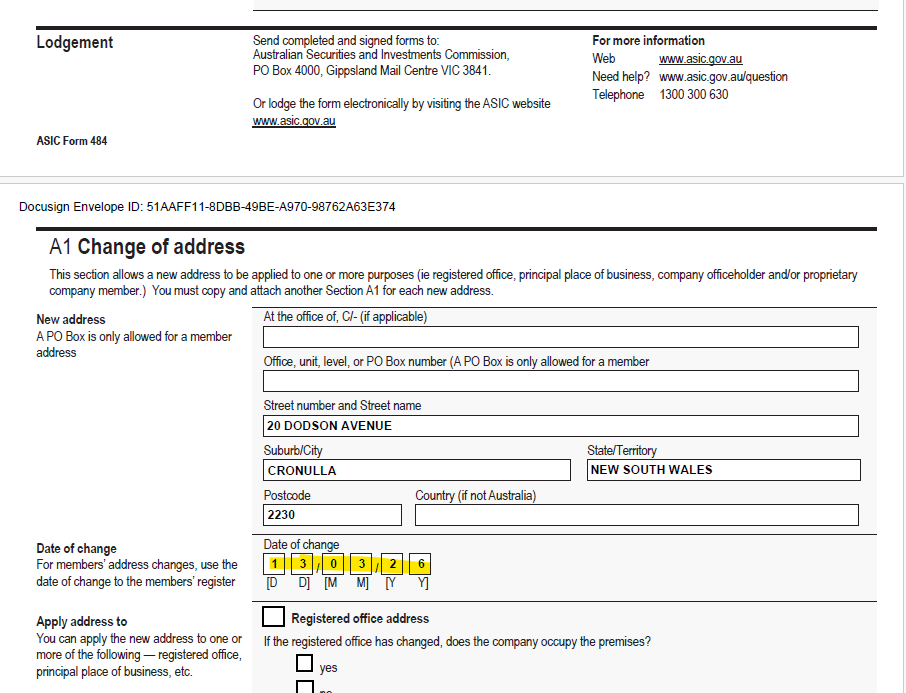
Make sure the date of effect of change is no more than 28 days from the date of ASIC form signed. As the address should be changed withing 28 days of notification. Check with the manager if the days are over 28 days. For eg the Form signed on 30th April but the date of effect of change on the form is 1st April so this makes the change notification over 28 days.
Change the date of effect of change as per the ASIC form and click Submit. In this case it should be 13.03.2026.
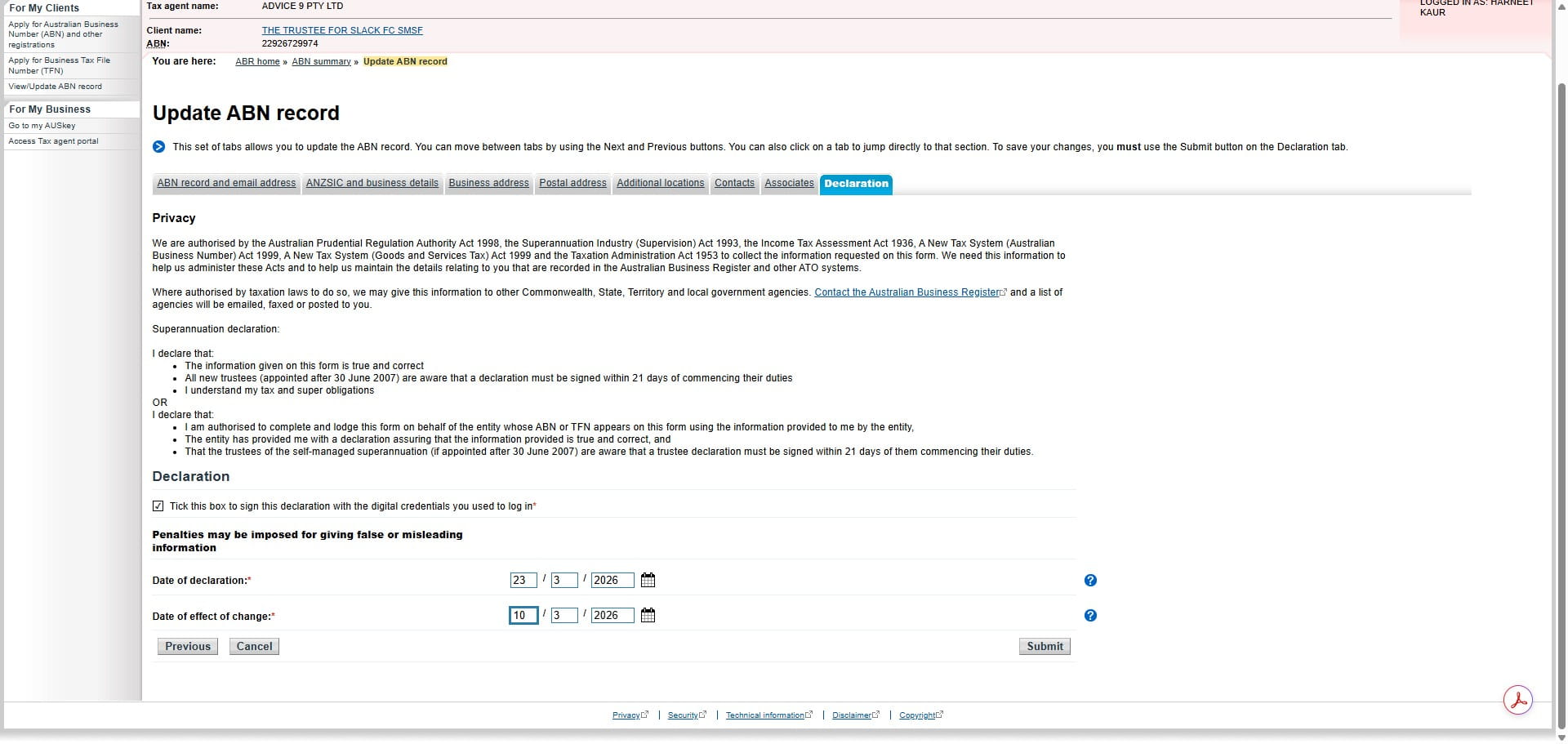
Click on "Logout"
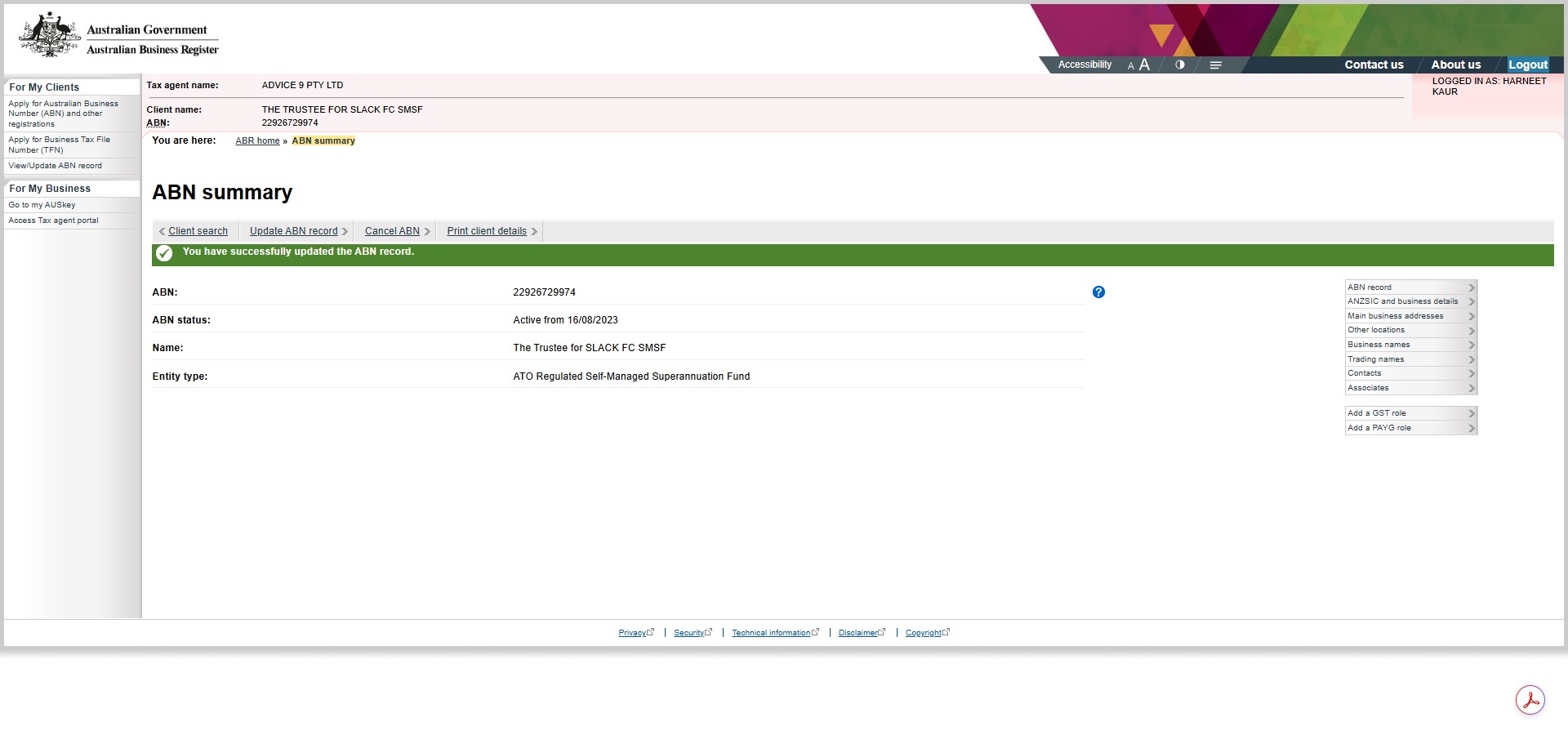
The address change will reflect in ATO portal once done in ABR. Check in 2-3 days the new address is updated in ATO portal. The new address should be same in XPM, Karbon , ATO, Nowinfinity and Practise Ignition